


Why Your IT Problems Keep Coming Back (And What You Can Actually Do About It)
If you're a business owner or manager, you already know the feeling. Someone on your team can't connect to the network, a software error pops up right before a client meeting, or your inbox fills up with "my computer is doing that thing again" messages. You call in a tech person, they fix it, and two weeks later you're dealing with the exact same problem. It's exhausting, it's expensive, and it doesn't have to be this way. IT troubleshooting doesn't have to feel like a game you're always losing. Here's what employers are actually asking about IT support, and what good solutions look like.
Why does the same IT problem keep happening over and over again?
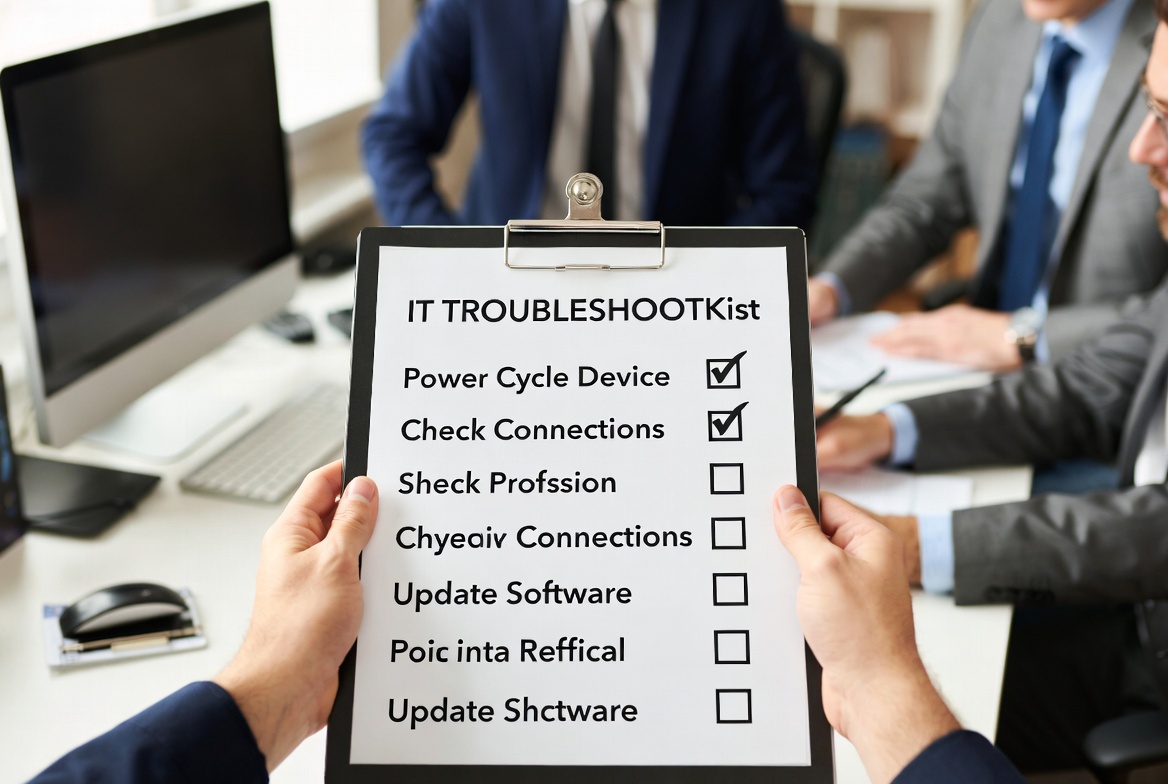
This one's more common than most people want to admit. When a tech issue gets "fixed" without any documentation or process change behind it, you're basically patching a leak without finding the source. The problem might be outdated infrastructure, employees who've found workarounds that create new vulnerabilities, or simply no standardized checklist to follow when something goes wrong. The fix isn't just solving today's issue, it's building a short, clear resolution guide so that the next time it happens, anyone on your team can walk through the steps without calling for help. Preventive maintenance checklists are a game changer here. They catch small problems before they become big ones, and they put your whole team on the same page.
What should I do when my network slows down and I don't know why?
A slow network can grind your whole operation to a halt, and the frustrating part is that it's often caused by something completely fixable. Start with the basics: is it affecting one device or everyone? If it's one computer, restart it and check whether other programs are hogging bandwidth. If it's the whole office, your router may need a reboot, or you might have too many devices pulling from the same connection. The real answer for businesses is having a simple, step-by-step troubleshooting script that's written for non-technical users, not for IT professionals. Something your office manager or receptionist can actually follow without needing a degree in computer science. That kind of documentation, tailored to your team's actual skill level, is what separates businesses that recover quickly from those that lose half a workday waiting for someone to show up.
How do I handle a cybersecurity alert without panicking or making it worse?
First, don't click anything else. Seriously, step away from the screen if you have to. A lot of damage happens in the ten seconds after an alert when someone tries to "fix it" by clicking through prompts they don't understand. Your team needs a clear, calm protocol: disconnect the affected device from the network if you can, don't attempt to delete files or run unknown software, and contact whoever handles your IT support immediately with a screenshot or description of what appeared. The bigger picture here is that employees bypassing proper protocols, whether out of panic or convenience, is one of the most common causes of recurring security issues. A simple one-page response guide posted somewhere visible in your office can do more to protect your business than a lot of expensive software.
Is it worth investing in IT documentation, or is that just more overhead?
It might feel like busywork, but the lack of standardized documentation is one of the hidden costs that quietly drains businesses. When there's no written record of how a problem was solved, the next person who encounters it starts from scratch. That means more downtime, more calls to outside consultants, and more frustration for your team. A knowledge base doesn't have to be complicated. Even a shared folder with a few clearly written articles covering your most common issues can dramatically cut down on your IT ticket volume. Think of it as a one-time investment that pays you back every single time something goes wrong.
How can Job Skills help my business with IT support challenges?
Job Skills offers Business Support Services that give employers and business owners access to practical, hands-on support, including IT troubleshooting guidance tailored to organizations that don't have a full-time IT department. Through their team, businesses can get help building step-by-step resolution guides, preventive checklists, and the kind of accessible documentation that empowers your staff to handle common issues without relying on expensive outside consultants for every little thing. Job Skills has been working alongside employers across York Region, Peel Region, and the GTA for nearly 40 years, and their Business Support Services are designed to meet you where you are, not where a generic tech manual assumes you should be. If your team is spending too much time on recurring IT headaches, this is worth a conversation.
Visit Business Support Services
What's the difference between reactive IT support and something more sustainable?
Reactive support means you call someone when something breaks. It's expensive, it's unpredictable, and it keeps you in a constant state of playing catch-up. A more sustainable approach builds in prevention: regular maintenance checks, clear protocols your team already knows before something goes wrong, and tools or policy changes that reduce the likelihood of the same issues repeating. It doesn't mean you need a full IT department. It means having the right resources in place so that your team isn't paralyzed every time something doesn't work.
Why are my employees bypassing the IT protocols I've put in place?
Usually because the protocols feel too complicated or too slow. If your team has to submit a ticket and wait two days for a response just to fix a printer issue, they're going to find their own workaround, and that workaround is often what creates the next security gap. The solution isn't stricter rules, it's better tools. Simpler, faster documentation that people can actually follow means fewer workarounds and fewer vulnerabilities. When the right way to do something is also the easy way, people do it right.
How do I know if my IT issues are a sign of something bigger, like outdated infrastructure?
If you're dealing with the same categories of problems repeatedly, especially around connectivity, performance, or compatibility with newer software, that's usually a sign. Outdated infrastructure doesn't always mean your equipment is ancient. It can mean your setup hasn't been reviewed or updated in a few years, and the way your business operates has changed but your IT environment hasn't kept up. A straightforward audit, even a basic one, can identify where the gaps are and help you prioritize what actually needs to change versus what just needs a better process around it.
What should a non-technical business owner actually know about IT security?
You don't need to understand the technical details, but you do need to understand the risk. Most security incidents aren't sophisticated hacks. They're phishing emails that looked convincing, passwords that were shared between accounts, or software that never got updated. Your job as a business owner is to create an environment where the safe choice is also the easy choice. That means clear, simple policies, basic training for your team on what to look for, and a response plan so that nobody panics when something weird happens. The businesses that handle IT security well aren't necessarily the ones with the best technology. They're the ones where everyone knows what to do.
How much should I expect to spend on IT troubleshooting support for a small business?
The honest answer is that it depends a lot on how much downtime is currently costing you. If you're losing hours of productivity every month to recurring issues, paying for outside consultants every time something breaks, or dealing with security incidents that could have been prevented, then the cost of better support pays for itself pretty quickly. The goal isn't to spend more, it's to spend smarter. Investing in clear documentation, preventive maintenance, and accessible troubleshooting guides upfront dramatically reduces what you're spending reactively on the back end.
The bottom line is this: IT problems don't have to own your workday. Most of what slows businesses down isn't catastrophic failure. It's the small, recurring stuff that never gets properly addressed. With the right documentation, the right protocols, and the right support, your team can handle most issues without calling anyone, and the ones that do need outside help get resolved faster because there's already a clear process in place.
If your business is dealing with IT challenges and you're not sure where to start, Job Skills' Business Support Services can help. Whether it's building out troubleshooting guides, putting preventive checklists together, or just figuring out what you actually need, the team at Job Skills has the tools and the experience to help you build something that works.
Find Out How Job Skills Can Support Your Business Today